 Publishing
Drag to turn the book
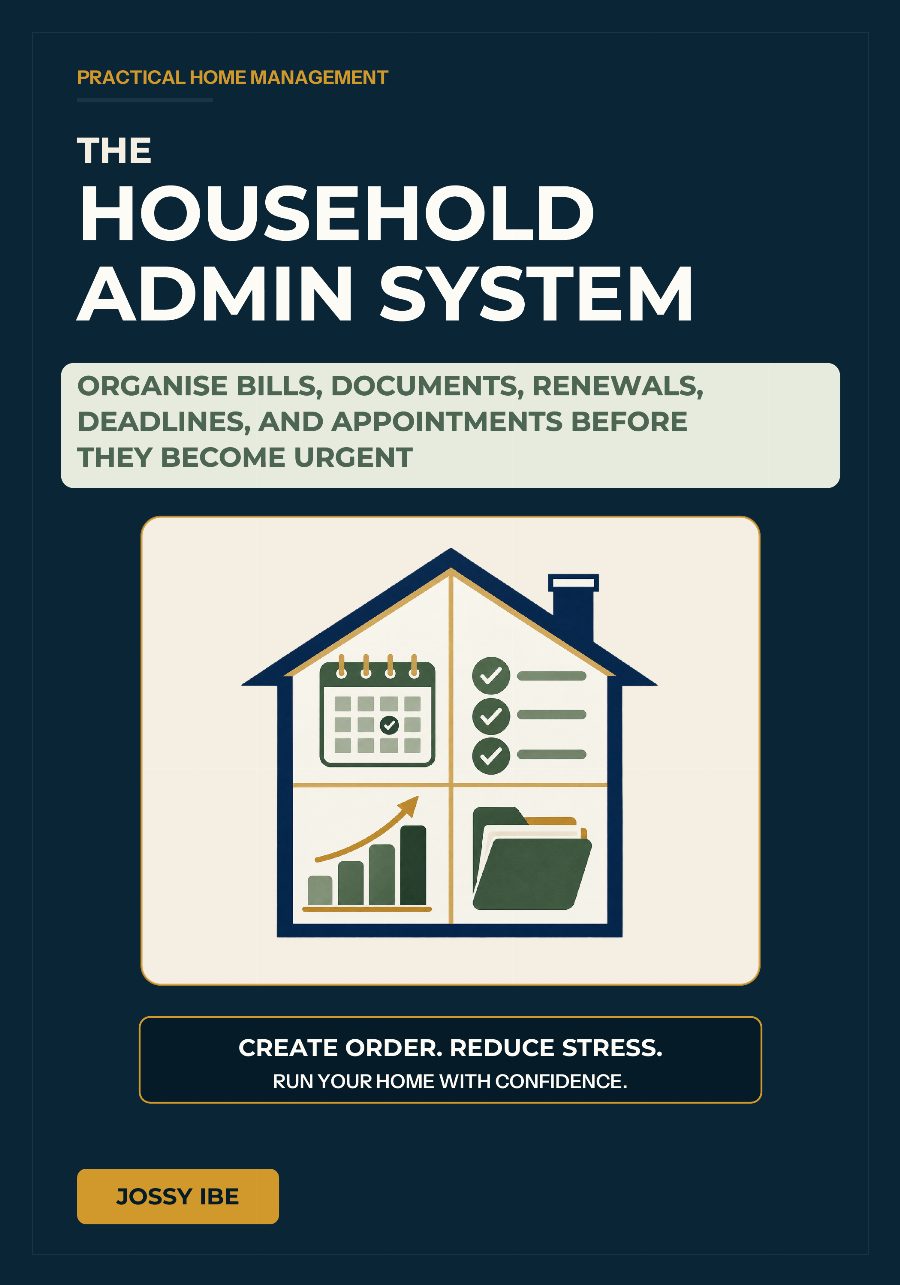
Front cover
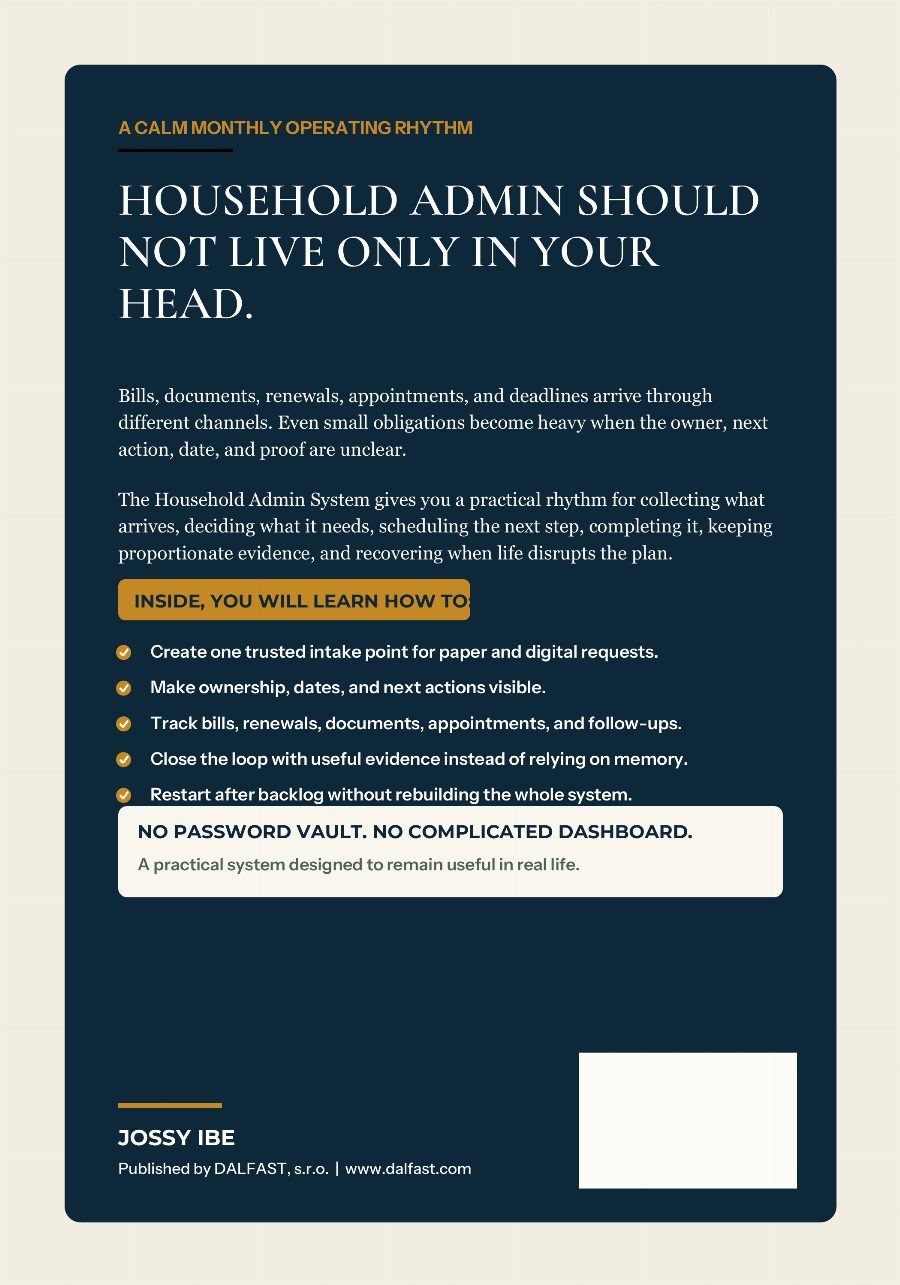
Original front and back artwork · full rotation
The Household Admin System
Front cover
Original cover artwork. Spine and thickness are illustrative, not an approved print proof.
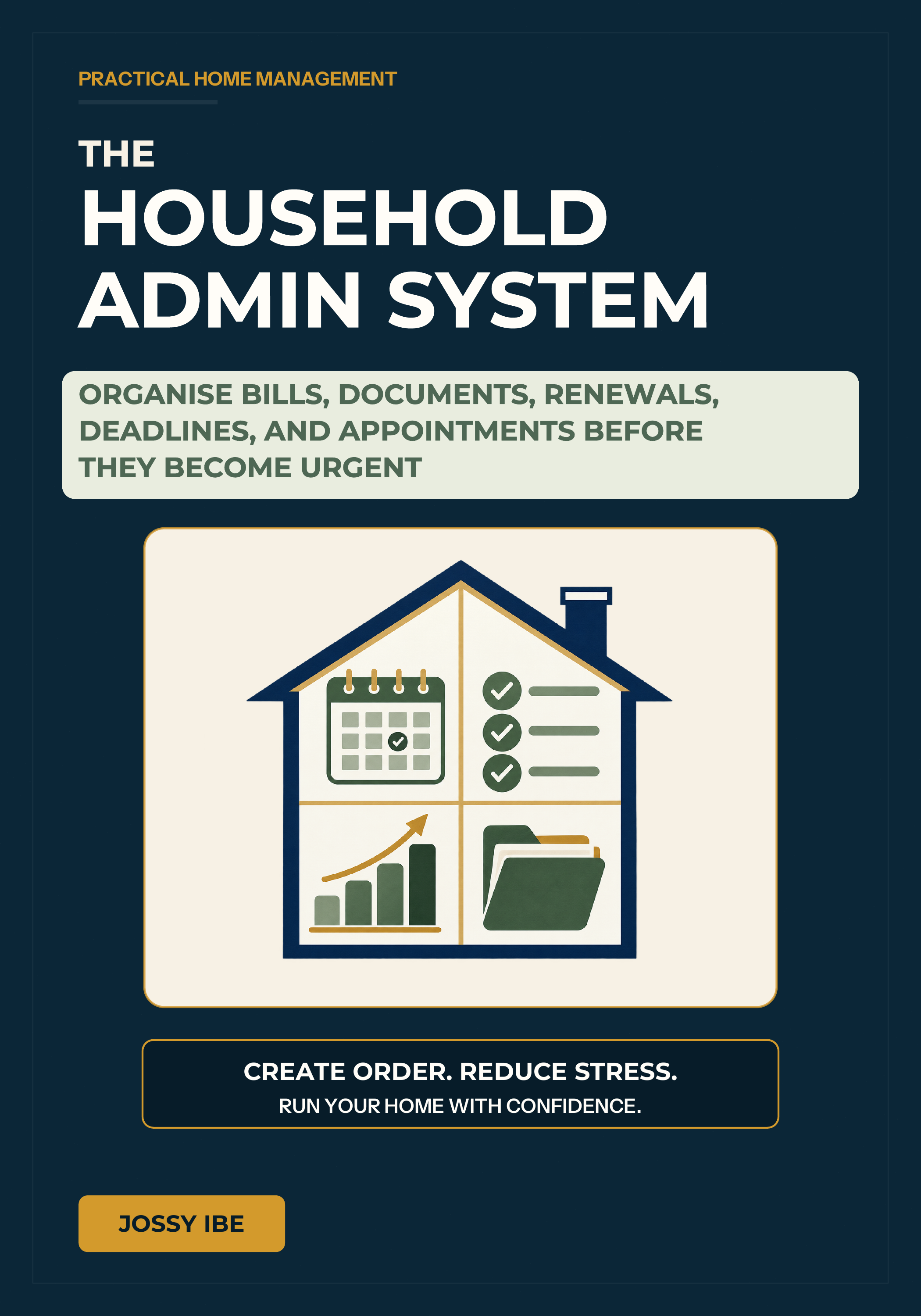
Scroll or pinch to zoom · Drag to pan when zoomed · ‹ › to switch sides
1 / 2
The Household Admin System
English edition · Format: eBook
Help How to read your books on this device
The quickest way: press Read in My Library. Your book opens in the DALFAST Reader, in your browser, on any phone, tablet or computer.
Read in your browser
- Open My Library and press Read.
- To read without internet, open the book and choose More → Keep on this device (shown for books you own, when your browser can do it).
- For an icon on your home screen, use the install offer in My Library, or Safari's Share button → Add to Home Screen.
Or keep the files
- Press Download. You get a ZIP file, which holds the book.
- Open the Files app → Downloads, and tap the ZIP once. A folder appears beside it.
- Open the folder. Tap the EPUB or PDF → Share → Books.
Read in your browser
- Open My Library and press Read.
- To read without internet, open the book and choose More → Keep on this device (shown for books you own, when your browser can do it).
- For an icon on your home screen, use the install offer in My Library.
Or keep the files
- Press Download. You get a ZIP file, which holds the book.
- Open your Files app → Downloads, tap the ZIP, and choose Extract.
- Tap the PDF to open it, or open the EPUB in an e-book reading app.
Read in your browser
- Open My Library and press Read. The book opens in a new tab.
- To read without internet, open the book and choose More → Keep on this device (shown for books you own, when your browser can do it).
Or keep the files
- Press Download. You get a ZIP file, which holds the book.
- Double-click the ZIP to open it (on Windows, choose Extract all).
- The PDF opens in your browser or any PDF viewer. On a Mac, the EPUB opens in Books; on Windows, in an e-book reading app.
Put the book on your e-reader
- On a computer, press Download and open the ZIP file (see Computer).
- Kindle: send the EPUB or PDF with Amazon's Send to Kindle.
- Other e-readers: connect the e-reader with its cable and copy the EPUB onto it.
Your books are for your own reading on your own devices; the License policy explains what that covers.
Still stuck? Ask us. We'll help you get reading.
A practical home-management system for organising bills, documents, renewals, deadlines, and appointments before they become urgent. Clear workflows and reusable tools help households reduce catch-up, share responsibility, and keep essential information under control.
Book details
- Trim size
- 7 × 10 in
- Language
- English
- Publisher
- DALFAST PUBLISHING HOUSE
- Imprint of
- DALFAST, s.r.o.
What readers say
Questions about delivery, refunds or licensing? Read the FAQ Ask us directly
