 Publishing
Drag to turn the book
Front coverISBN (PDF) 9788083142725 · ISBN (EPUB) 9788083142732
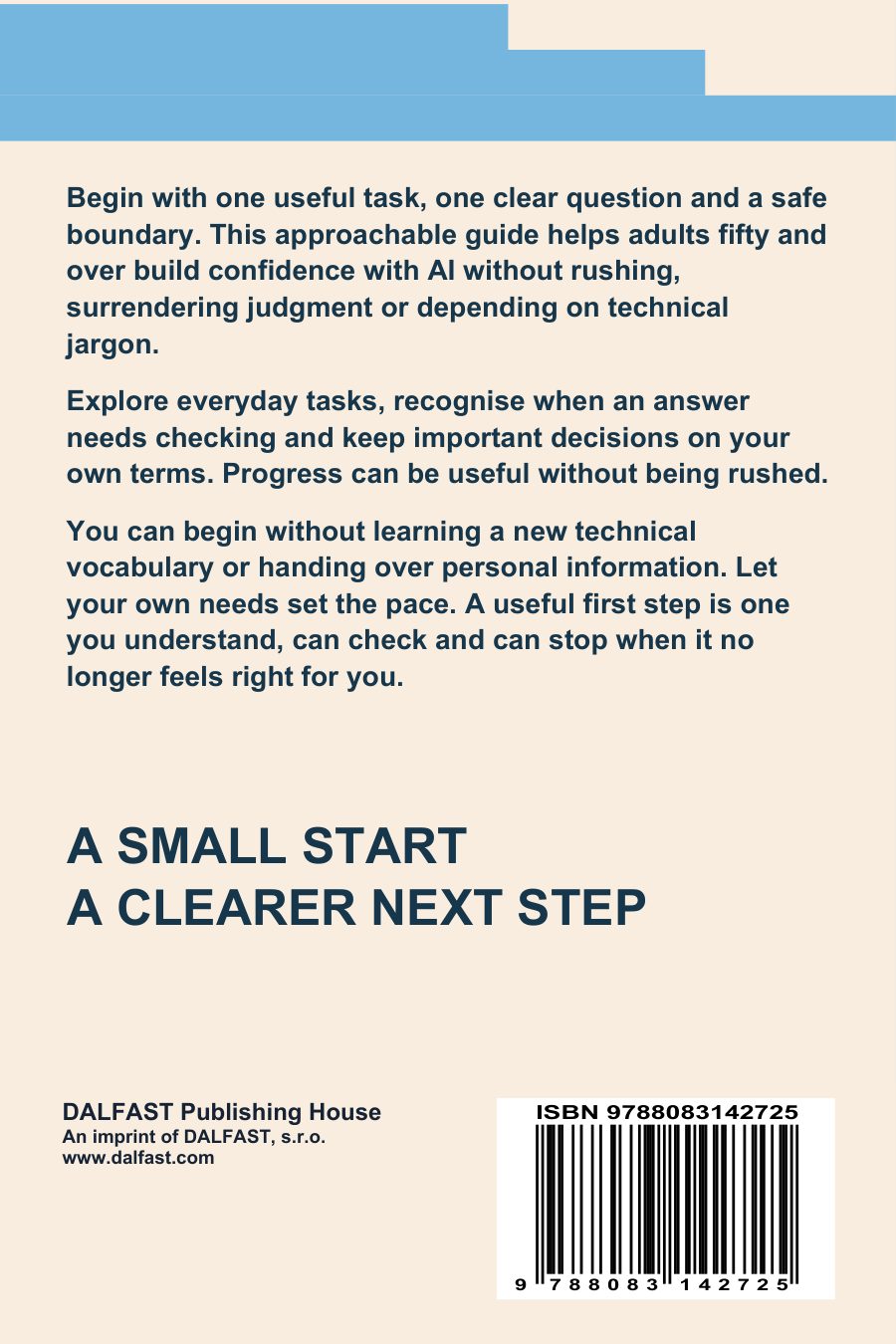
Original front and back artwork · full rotation
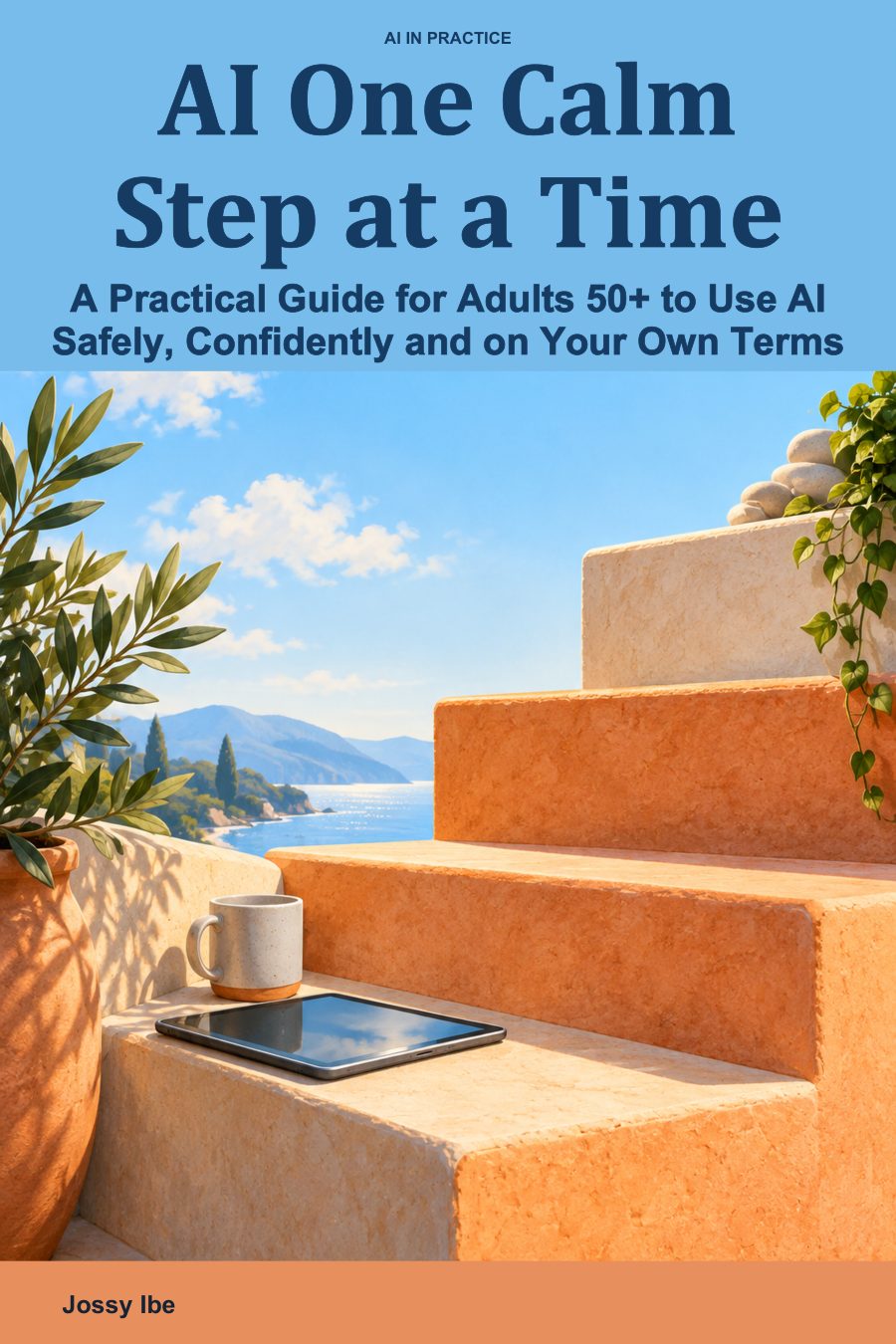
AI One Calm Step at a Time
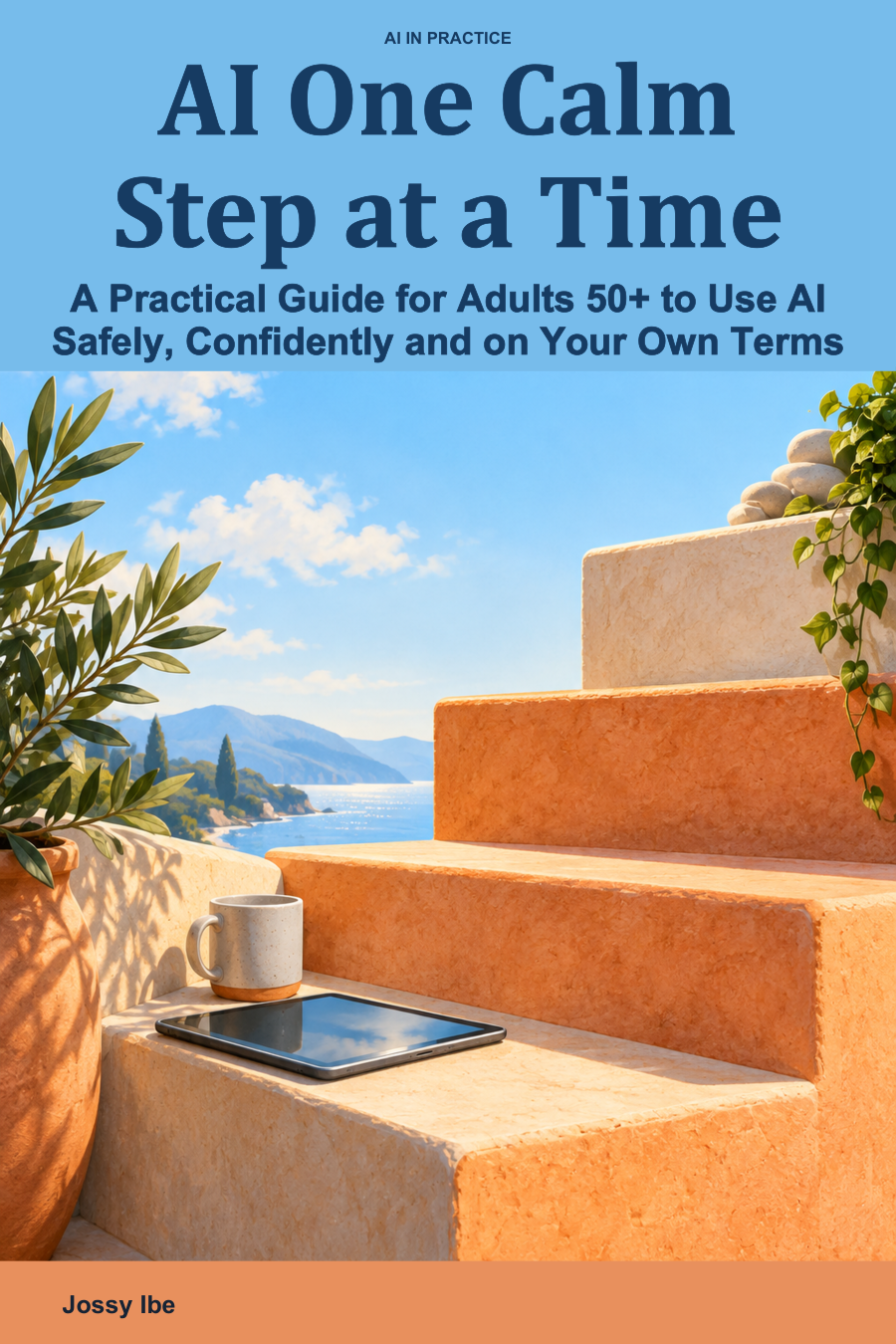
Front cover
Original cover artwork. Spine and thickness are illustrative, not an approved print proof.
Scroll or pinch to zoom · Drag to pan when zoomed · ‹ › to switch sides
1 / 2
AI One Calm Step at a Time
A Practical Guide for Adults 50+ to Use AI Safely, Confidently and on Your Own Terms
English edition · Format: eBook · Edition 2.3
Yours to keep. DRM-free PDF and EPUB files, ready to download again any time from My Library. How to read on your device
Help How to read your books on this device
The quickest way: press Read in My Library. Your book opens in the DALFAST Reader, in your browser, on any phone, tablet or computer.
Read in your browser
- Open My Library and press Read.
- To read without internet, open the book and choose More → Keep on this device (shown for books you own, when your browser can do it).
- For an icon on your home screen, use the install offer in My Library, or Safari's Share button → Add to Home Screen.
Or keep the files
- Press Download. You get a ZIP file, which holds the book.
- Open the Files app → Downloads, and tap the ZIP once. A folder appears beside it.
- Open the folder. Tap the EPUB or PDF → Share → Books.
Read in your browser
- Open My Library and press Read.
- To read without internet, open the book and choose More → Keep on this device (shown for books you own, when your browser can do it).
- For an icon on your home screen, use the install offer in My Library.
Or keep the files
- Press Download. You get a ZIP file, which holds the book.
- Open your Files app → Downloads, tap the ZIP, and choose Extract.
- Tap the PDF to open it, or open the EPUB in an e-book reading app.
Read in your browser
- Open My Library and press Read. The book opens in a new tab.
- To read without internet, open the book and choose More → Keep on this device (shown for books you own, when your browser can do it).
Or keep the files
- Press Download. You get a ZIP file, which holds the book.
- Double-click the ZIP to open it (on Windows, choose Extract all).
- The PDF opens in your browser or any PDF viewer. On a Mac, the EPUB opens in Books; on Windows, in an e-book reading app.
Put the book on your e-reader
- On a computer, press Download and open the ZIP file (see Computer).
- Kindle: send the EPUB or PDF with Amazon's Send to Kindle.
- Other e-readers: connect the e-reader with its cable and copy the EPUB onto it.
Your books are for your own reading on your own devices; the License policy explains what that covers.
Still stuck? Ask us. We'll help you get reading.
Begin with one useful task, one clear question and a safe boundary. This approachable guide helps adults fifty and over build confidence with AI without rushing, surrendering judgment or depending on technical jargon. Explore everyday tasks, recognise when an answer needs checking and keep important decisions on your own terms. Progress can be useful without being rushed. You can begin without learning a new technical vocabulary or handing over personal information. Let your own needs set the pace. A useful first step is one you understand, can check and can stop when it no longer feels right for you.
Book details
- Format
- PDF + EPUB, instant download
- Print length
- 134 pages
- Trim size
- 6 × 9 in
- File size
- 19.5 MB
- Language
- English
- Publisher
- DALFAST PUBLISHING HOUSE
- Imprint of
- DALFAST, s.r.o.
- ISBN (PDF)
- 9788083142725
- ISBN (EPUB)
- 9788083142732
What readers say
Questions about delivery, refunds or licensing? Read the FAQ Ask us directly


